
Convert a pipe row in the Pipes table into a pump, then either create a custom pump or pick one from the pump library.
Convert a pipe to a pump
- Select any cell in the row you want to convert.
- Select Convert, then Convert to Pump.
- Or right-click the row and select Convert to Pump.
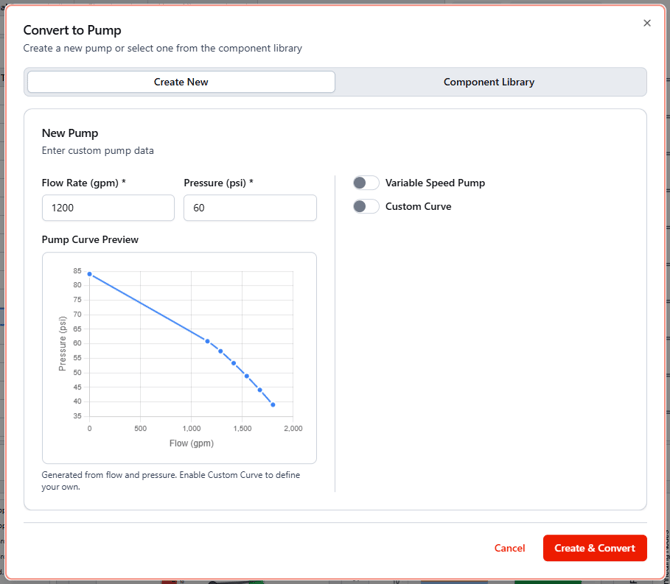
- To add a custom pump, input the required data under the Create New tab.
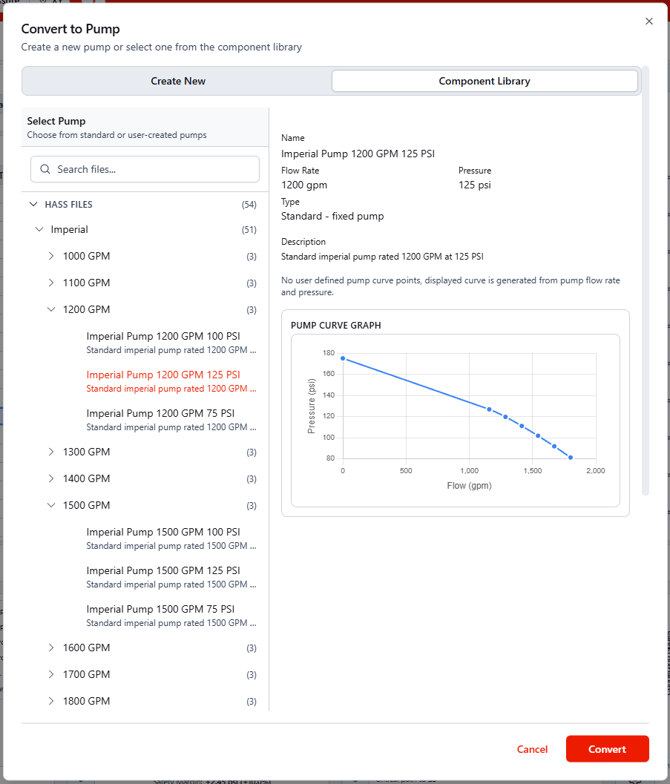
- To add a pump from the pump library, either a default HASS pump or a previously entered custom pump, select the desired pump from the From Library tab.
For legacy vs current default pump-curve behavior, see Pump curve model: legacy vs current.