New accounts
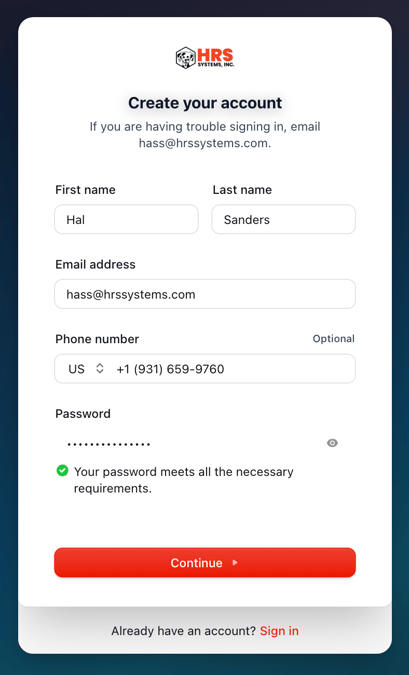
- Select Sign Up and create your free account
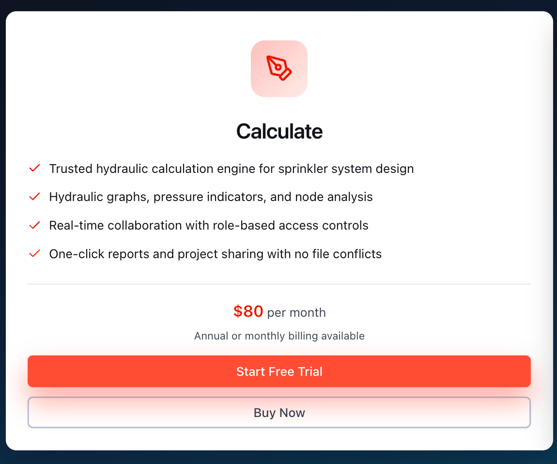
- Select Start Free Trial
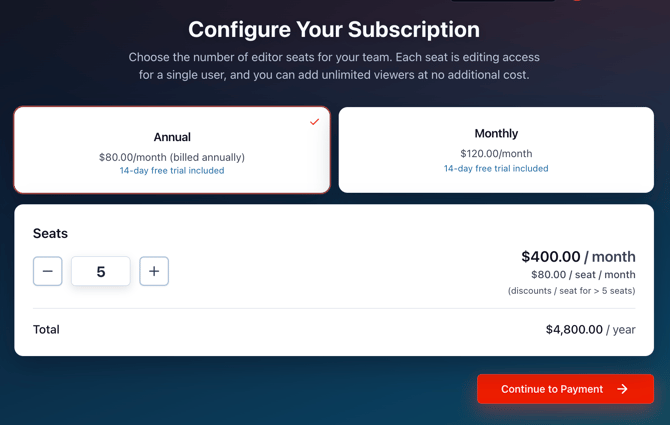
- On Configure Your Subscription, select Annual, set your desired number of seats and select Continue to Payment.
- Select Pay by Invoice (Check or Wire), and enter your invoice details
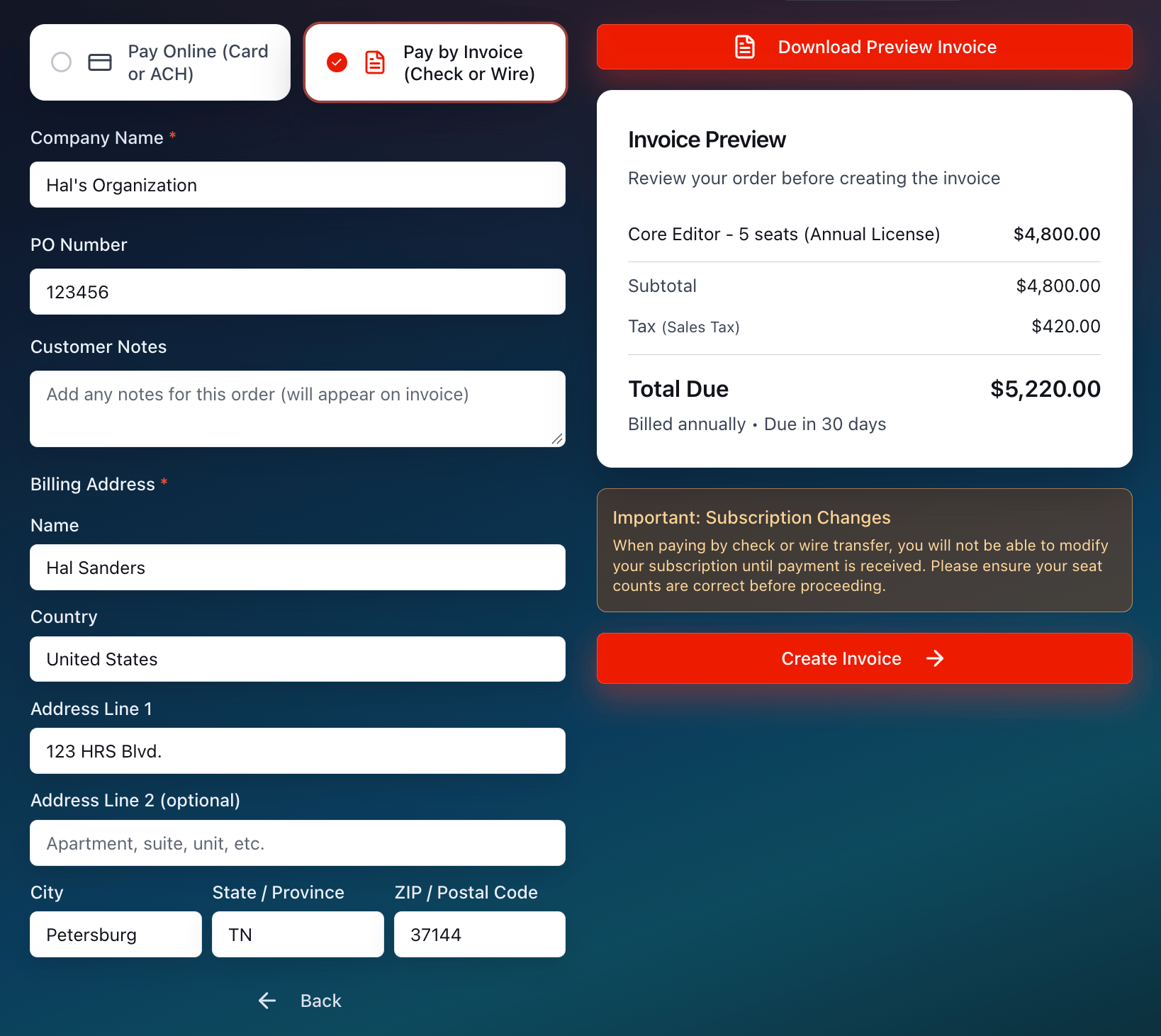
- Wait until Create Invoice is available, then select it
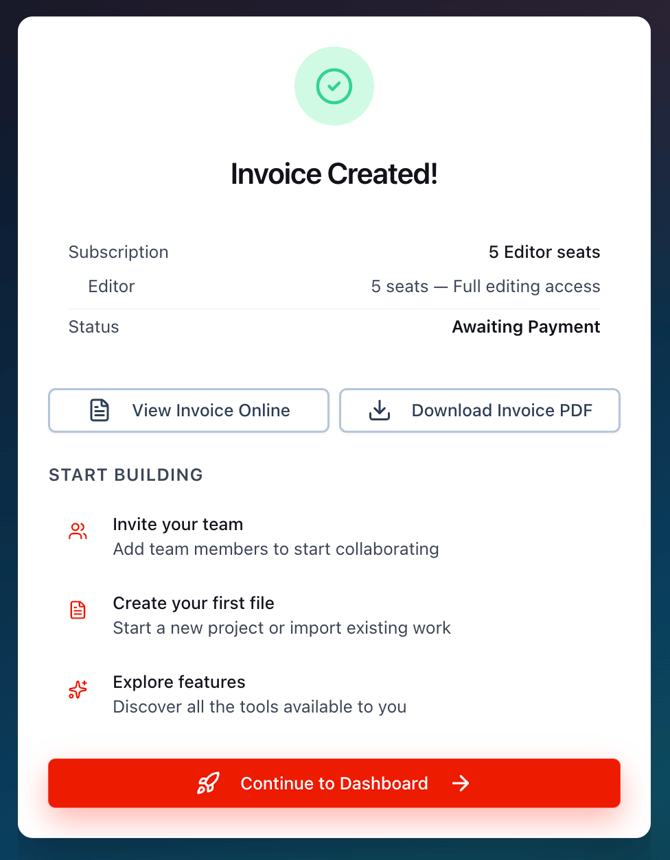
- On Invoice Created!, select View Invoice Online or Download Invoice PDF