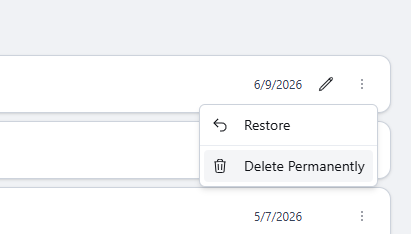
Delete a project to move it to the Trash folder. Restore the project from Trash within 30 days; after 30 days, the project is permanently deleted.
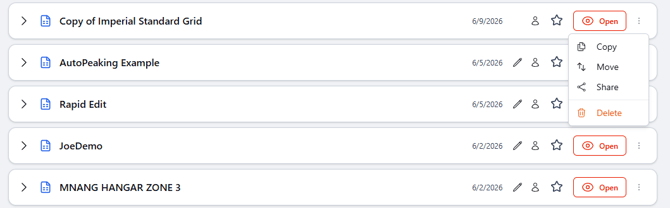
Delete a projectIn the file system, find the project, select the 3-dot menu, then select Delete.
 Trash retention
Important
Deleted projects remain in the Trash folder for 30 days. After 30 days, the project is permanently deleted and cannot be restored.
Open the Trash folder, find the deleted project, select the 3-dot menu, then select Restore. The project is returned to its previous folder location.