
HASS Cloud auto-saves your project as you work. The Status Indicator in the header tells you the current save state and helps you recover when a save fails.
Status indicator
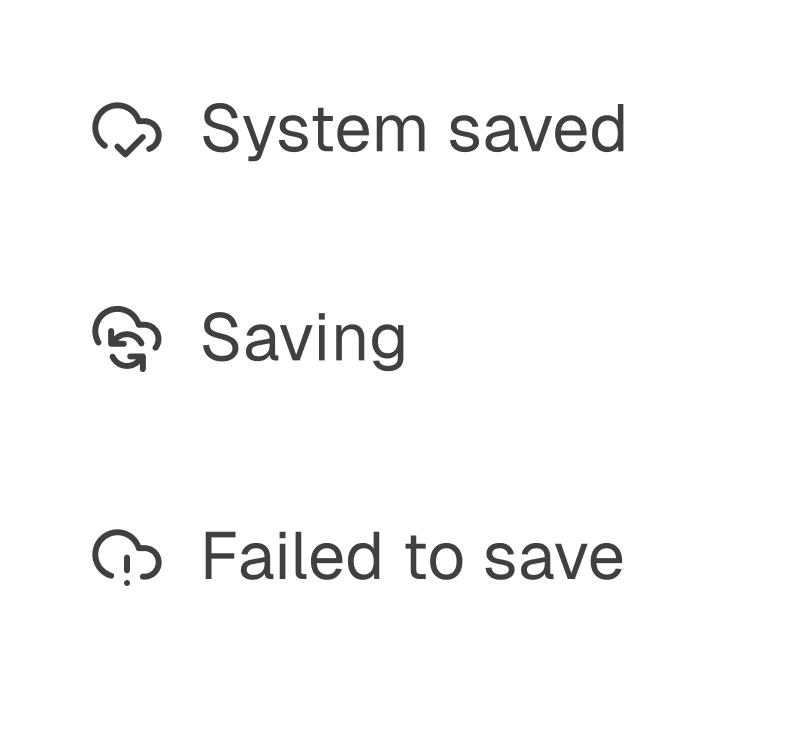
Projects are automatically saved after each action or edit. Use the Status Indicator in the header to confirm whether the project is saved, currently saving, or failed to save. The Status Indicator is also shown in User interface basics.
If a project fails to save
A failed save is most often caused by a lost internet connection. Reconnect to the internet and check the Status Indicator again. If the failed save status continues, use Report Bug in the File Menu to contact support and review App and session errors reference.