
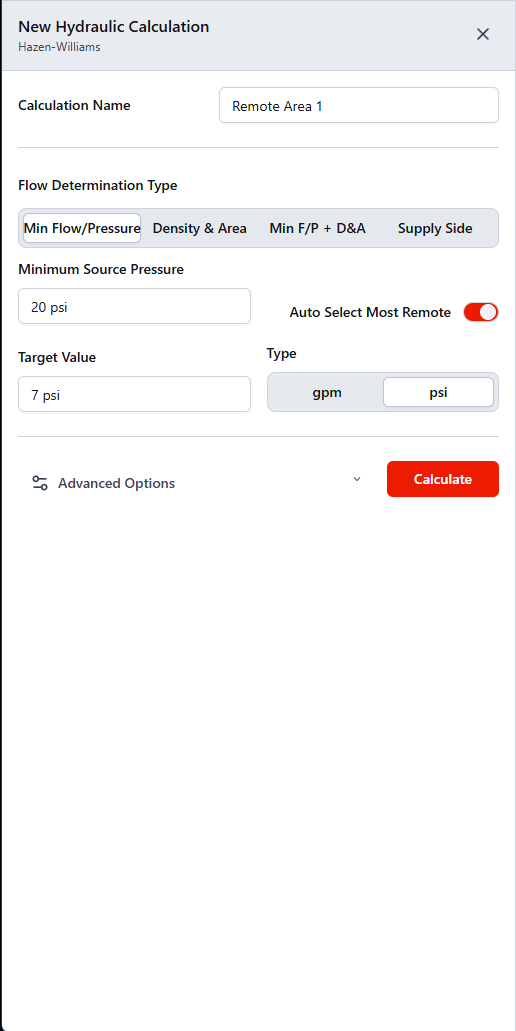
Open the Calculation tool, enter your criteria, and run the current system to produce hydraulic results.
- Open Calculation from the Toolbar.
- Enter the criteria needed for your run.
- Select Calculate to run the current system from the Data Input Tables.
- If the run is successful, the results dashboard opens automatically. If issues are found, the Issues panel and error references can be used to resolve the problem.
Note
For help choosing a flow type, see Choose a flow type. For advanced options, see Configure advanced calculation options. For resolving errors after a run, see Resolve calculation errors.